Choose Clear for time and date, Daily for two additional short data fields, or Agenda for those fields plus a longer text row. All three layouts are included in one watch face.
 AvailableWear OS watch face
Pilvoro Dial
Time comes first.
Large, distinctive digits, a black background and a fine minute arc. Pilvoro Dial lets you choose how much information surrounds the time: a clear view, two useful data fields or an extra row for longer text.
Available on Google Play for compatible Wear OS 5+ watches with Watch Face Format 2 support, including Estonia and the United States. These are real watch-face runtime screens with sample data, not photographs of a physical watch.
Product details
Built around one clear job.
Each product begins with a practical problem and removes everything that does not help solve it.
Choose Chalk, Moss, Amber, Ice Blue, Coral or Violet. Show seconds while the watch is awake, or leave them off. Time follows the watch’s 12/24-hour setting; the date follows its language settings.
The always-on display keeps the time in the same position, with an optional date. Seconds, the minute arc and extra data fields are hidden in this dimmed view. Enable always-on display in the watch’s system settings. Battery duration varies by device and settings.
Choose the providers for your two short complication slots and Agenda’s longer text slot, or leave them empty. Data, refresh frequency and tap actions depend on the providers installed on your watch. Weather, health information and phone battery may require another compatible app and its permissions. Agenda does not synchronise a calendar itself.
Requires Wear OS 5 or later and Watch Face Format 2 support. Check your watch’s Google Play compatibility before buying. This watch face is not compatible with Apple Watch, Garmin, Amazfit or Tizen watches. No Pilvoro phone app is required.
After installation on the watch, touch and hold the current face, find or add Pilvoro Dial and apply it. Open Edit or Customize to choose a layout, palette and providers. Menu names vary by watch; the Layout setting also selects Clear, Daily or Agenda directly.
Changing only the layout hides fields but retains their selected providers and may retain tap actions. To remove those actions, set the hidden slots to Empty or None. If a slot is hidden in the editor, temporarily select Agenda, clear that slot, then return to your chosen layout.
One purchase includes all three layouts and six palettes, without a subscription or in-app purchases. Pilvoro has no account, advertising, analytics or own server connection. Google Play manages the download purchase; selected data providers follow their own privacy policies. For help, contact info@blacksunset.ee.
The actual product.
Pilvoro Dial
Real screens from the current build or release materials.
Version history
What’s new
Meaningful changes, recorded clearly with the newest version first.
-
Version1.0.0Available
Public Google Play availability verified.
Available on Google Play for compatible Wear OS 5+ watches with Watch Face Format 2 support, including Estonia and the United States. These are real watch-face runtime screens with sample data, not photographs of a physical watch.
- The public store link is now available from this page. Google Play determines country and device eligibility and shows the local price.
-
Version1.0.0In development
First release in preparation.
At this entry's date: Version 1.0.0 (1) is prepared for Google Play. Public availability is not yet confirmed.
- Clear, Daily and Agenda layouts, six palettes, large 12/24-hour time and optional seconds.
- Always-on time with optional date, two short complication slots and one longer text slot. Wear OS 5+ with Watch Face Format 2 support.
Product details
Clear facts.
Platform, pricing and the details that matter before you download.
- Status
- Available
- Platform
- Wear OS 5+ · Watch Face Format 2
- Price
- Paid once · all layouts and palettes included
- Account
- No Pilvoro account; Google Play account for purchase
- Advertising
- No ads
- Languages
- English and Estonian settings; date follows the watch language
- Package name
- ee.blacksunset.pilvorodial
- Version
- 1.0.0
Privacy
Privacy is product work.
Read what the app stores, which services it contacts and how local data can be removed.
Nulleuri / Apps
More from Nulleuri
 Available
Energy & utilities
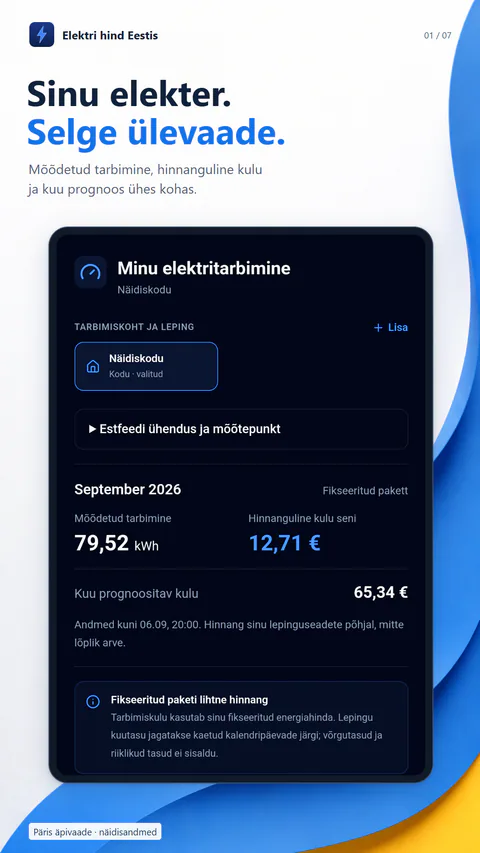
Elektri hind Eestis
Estonian market prices, contract-aware costs, optional Estfeed consumption and EV charging plans in one clear app.
Android and web · 2.2.0Free with one-time Premium
 Available
Calculator
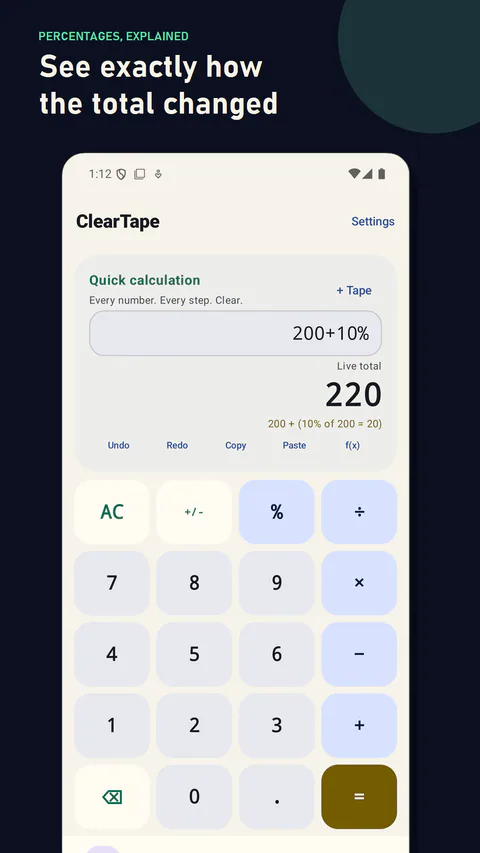
ClearTape
Editable calculation sheets, instant percentage math, searchable local history and a clear loan calculator without spreadsheet weight.
Android · 1.1.0Free with one-time Pro
 Available
Utility
QuietBeam
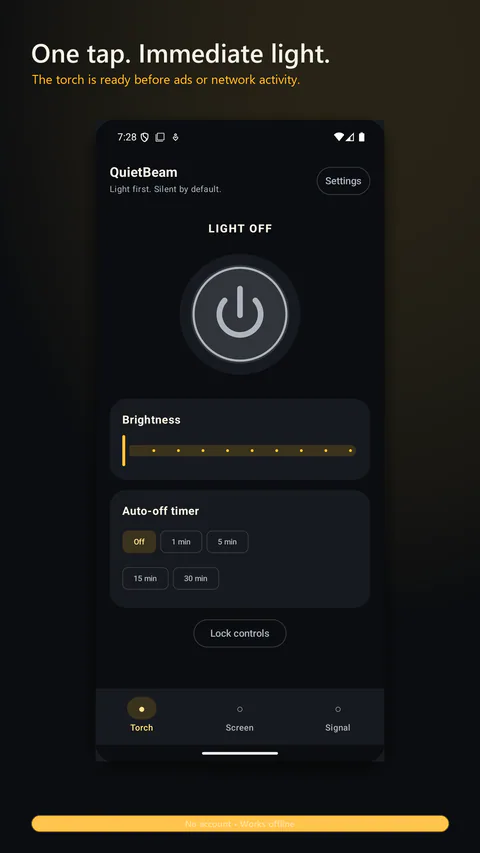
A calm flashlight with one-handed brightness control, screen light, a Home screen widget and protected signalling.
Android · 1.1.0Free with one-time ad removal