
Keep up to four independent timers in one scrollable list. Give each an optional name. A finished timer occupies its slot until you repeat or dismiss it; free a slot before adding a fifth timer.
 AvailableWear OS multi timer
RimTempo
Four timers. Ready again.
Tea, pasta and the oven each need their own time. RimTempo keeps up to four independent timers on your wrist, with quick ways to add time, pause and start again. Large numbers and clear states keep the scrollable timer list easy to read.
Available on Google Play for compatible Wear OS 3+ watches, including Estonia and the United States. The app interface is English. Screenshots and the demo show the actual release interface.
Product details
Built around one clear job.
Each product begins with a practical problem and removes everything that does not help solve it.
Start from a 3, 5 or 10 minute quick choice, set a custom duration, or save a useful duration for next time. Choosing the same saved duration again creates another independent timer when a slot is available.
Add 30 seconds or 1 minute to the selected timer without stopping it. Pause and resume when your plans change. Repeat starts a finished timer’s original duration; time added during a countdown does not change that original duration.
Add the RimTempo Tile for 3, 5 and 10 minute quick starts. It shows a timestamped snapshot of timer status. Tap to open the app for its live countdown; the Tile does not promise a new display every second.
On a compatible watch face, optionally choose the RimTempo complication to check timer status and open the app. Your selected watch face receives the timer name and status locally. Refresh also depends on that watch face.
After installation, core timing works on the watch without a phone or internet connection. RimTempo has no app account, ads, subscription, in-app upgrade or cloud sync. Google Play handles purchase and installation; system voice input may use its own connection.
Allow notifications and any requested Alarms & reminders access. Check the Timer alerts channel, sound, vibration and quiet modes. Try a short timer first: alert behaviour depends on your watch and system settings. Physical-watch sound, vibration and battery duration have not been verified.
After a watch restart, previously running timers show Restart needed. Choose whether to start their original duration again; paused timers keep their remaining time. Turning the watch off, force-stopping the app or disabling notifications can prevent an alert.
Requires Wear OS 3 or later. This is an English-language watch app, with no companion phone app required for timing. It is not a watch face. Apple Watch, Garmin and other watch platforms are not supported by this version; check Google Play compatibility before purchase.
Remove timers or saved durations in the app. Clear the app’s storage in watch settings or uninstall it to remove its local entries; this does not erase Google Play purchase records or earlier support emails. For installation, settings or timer help, contact info@blacksunset.ee.
The actual product.
RimTempo
Real screens from the current build or release materials.
RimTempo
Video previews
A closer look at the product. Each description explains what the preview shows.
Start a timer, add time and move between timers
A 35-second screen recording of the actual release interface, showing quick start, added time and moving to another timer. Silent, with no sped-up waiting. It does not demonstrate a physical watch’s vibration or speaker.
Version history
What’s new
Meaningful changes, recorded clearly with the newest version first.
-
Version1.0.0Available
Public Google Play availability verified.
Available on Google Play for compatible Wear OS 3+ watches, including Estonia and the United States. The app interface is English. Screenshots and the demo show the actual release interface.
- The public store link is now available from this page. Google Play determines country and device eligibility and shows the local price.
-
Version1.0.0In development
First release in preparation.
At this entry's date: Version 1.0.0 (1) is prepared for Google Play. Public availability is not yet confirmed.
- Up to four independent timers, optional names, saved durations, pause/resume, added time and Repeat.
- A quick start Tile and optional watch-face complication. English interface for Wear OS 3+.
Product details
Clear facts.
Platform, pricing and the details that matter before you download.
- Status
- Available
- Platform
- Wear OS 3+ · standalone watch app
- Price
- One-time paid download · no subscription
- Account
- No RimTempo account; Google Play account for purchase
- Advertising
- No ads
- Languages
- English
- Package name
- ee.nulleuri.rimtempo
- Version
- 1.0.0
Privacy
Privacy is product work.
Read what the app stores, which services it contacts and how local data can be removed.
Nulleuri / Apps
More from Nulleuri
 Available
Energy & utilities
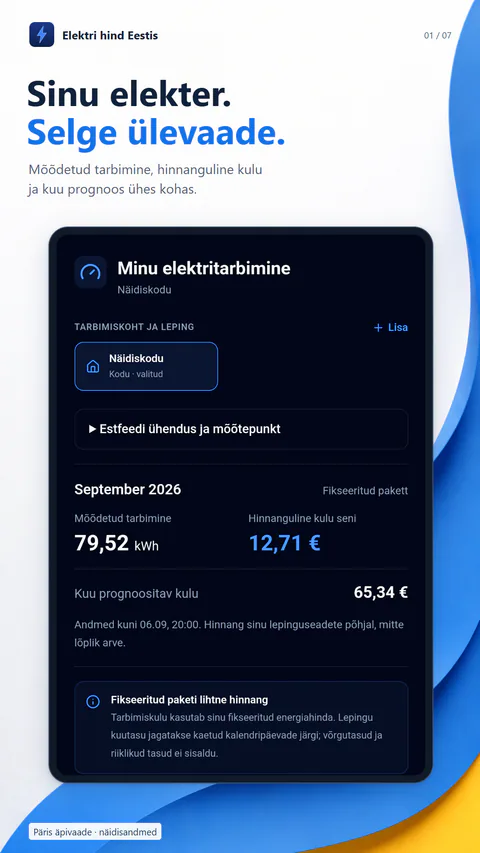
Elektri hind Eestis
Estonian market prices, contract-aware costs, optional Estfeed consumption and EV charging plans in one clear app.
Android and web · 2.2.0Free with one-time Premium
 Available
Calculator
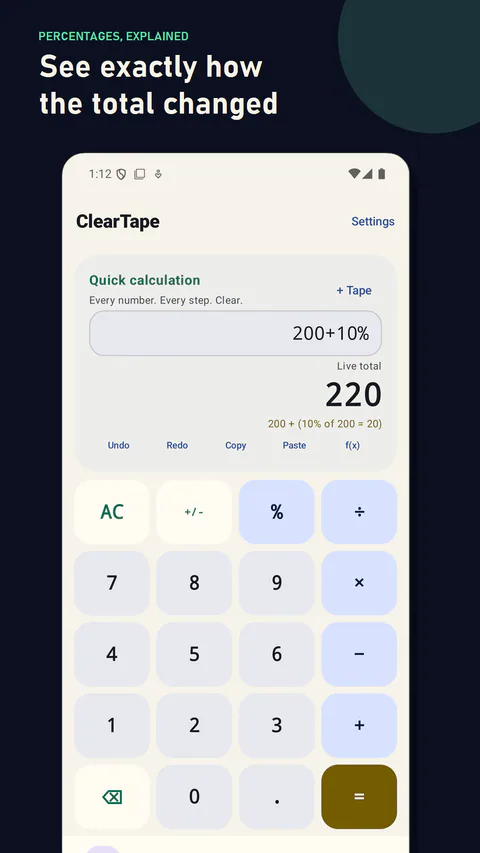
ClearTape
Editable calculation sheets, instant percentage math, searchable local history and a clear loan calculator without spreadsheet weight.
Android · 1.1.0Free with one-time Pro
 Available
Utility
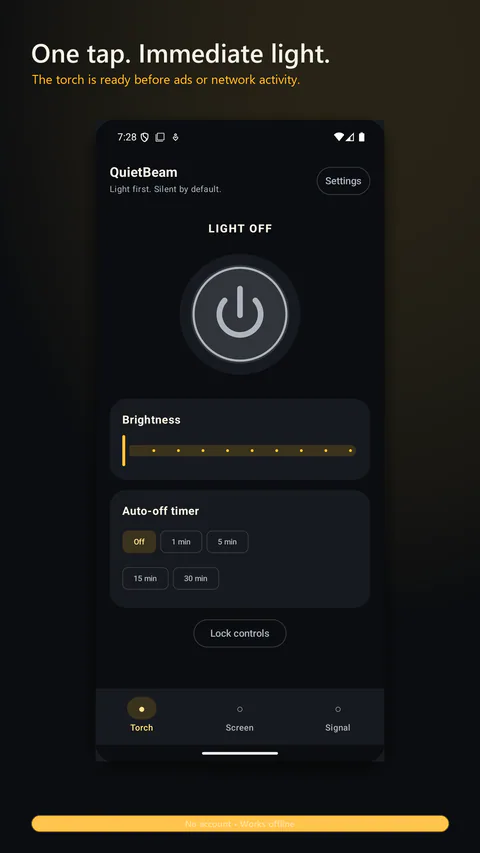
QuietBeam
A calm flashlight with one-handed brightness control, screen light, a Home screen widget and protected signalling.
Android · 1.1.0Free with one-time ad removal